API
Initializing Environments
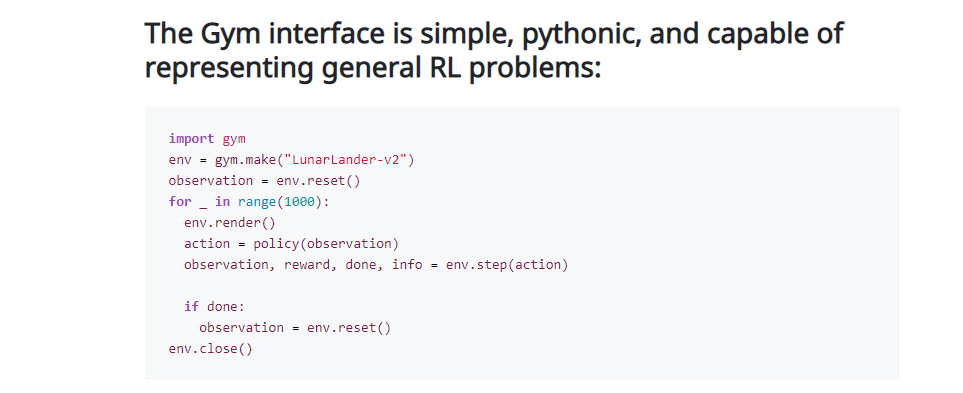
Initializing environments is very easy in Gym and can be done via:
import gym env = gym.make('CartPole-v0')
Interacting with the Environment
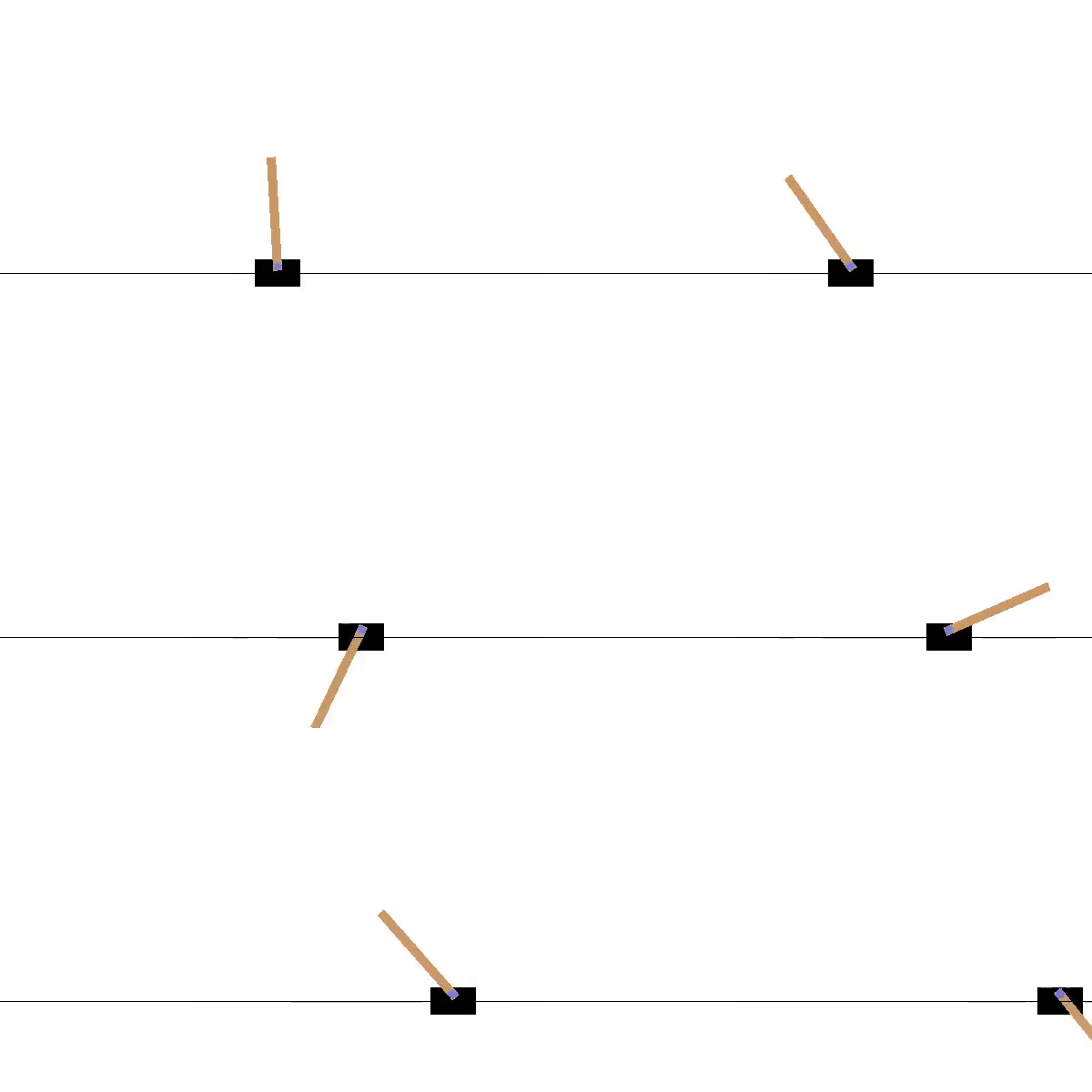
This example will run an instance of CartPole-v0 environment for 1000 timesteps, rendering the environment at each step. You should see a window pop up rendering the classic cart-pole problem
import gym env = gym.make('CartPole-v0') env.reset() for _ in range(1000): env.render() # by default `mode="human"`(GUI), you can pass `mode="rgb_array"` to retrieve an image instead env.step(env.action_space.sample()) # take a random action env.close()
The output should look something like this
The commonly used methods are:
reset(): resets the environment to its initial state and returns the observation corresponding to the initial state.
render(): renders the environment.
step(action): takes an action as an input and implements that action in the environment. This method returns a tuple of four values:
observation (object): an environment-specific object representation of your observation of the environment after the step is taken. It’s often aliased as the next state after the action has been taken.
reward(float): immediate reward achieved by the previous action. Actual values and ranges vary between environments, but the final goal is always to maximize your total reward.
done(boolean): whether it’s time to reset the environment again. Most (but not all) tasks are divided up into well-defined episodes, and done being True indicates the episode has terminated (e.g. the pole tipped too far, or you lost your last life).
info(dict): This provides general information helpful for debugging or additional information depending on the environment, such as the raw probabilities behind the environment’s last state change.
Additional Environment API
action_space: this attribute gives the format of valid actions. It is of datatype Space provided by Gym. For example, if the action space is of type Discrete and gives the value Discrete(2), this means there are two valid discrete actions: 0 & 1.
print(env.action_space) #> Discrete(2) print(env.observation_space) #> Box(-3.4028234663852886e+38, 3.4028234663852886e+38, (4,), float32)
observation_space: this attribute gives the format of valid observations. It is of datatype Space provided by Gym. For example, if the observation space is of type Box and the shape of the object is (4,), this denotes a valid observation will be an array of 4 numbers. We can check the box bounds as well with attributes.
print(env.observation_space.high) #> array([4.8000002e+00, 3.4028235e+38, 4.1887903e-01, 3.4028235e+38], dtype=float32) print(env.observation_space.low) #> array([-4.8000002e+00, -3.4028235e+38, -4.1887903e-01, -3.4028235e+38], dtype=float32)
There are multiple Space types available in Gym:
Box: describes an n-dimensional continuous space. It’s a bounded space where we can define the upper and lower limits which describe the valid values our observations can take.
Discrete: describes a discrete space where {0, 1, …, n-1} are the possible values our observation or action can take. Values can be shifted to {a, a+1, …, a+n-1} using an optional argument.
Dict: represents a dictionary of simple spaces.
Tuple: represents a tuple of simple spaces.
MultiBinary: creates a n-shape binary space. Argument n can be a number or a list of numbers.
MultiDiscrete: consists of a series of Discrete action spaces with a different number of actions in each element.
from gym.spaces import Box, Discrete, Dict, Tuple, MultiBinary, MultiDiscrete observation_space = Box(low=-1.0, high=2.0, shape=(3,), dtype=np.float32) print(observation_space.sample()) #> [ 1.6952509 -0.4399011 -0.7981693] observation_space = Discrete(4) print(observation_space.sample()) #> 1 observation_space = Discrete(5, start=-2) print(observation_space.sample()) #> -2 observation_space = Dict({"position": Discrete(2), "velocity": Discrete(3)}) print(observation_space.sample()) #> OrderedDict([('position', 0), ('velocity', 1)]) observation_space = Tuple((Discrete(2), Discrete(3))) print(observation_space.sample()) #> (1, 2) observation_space = MultiBinary(5) print(observation_space.sample()) #> [1 1 1 0 1] observation_space = MultiDiscrete([ 5, 2, 2 ]) print(observation_space.sample()) #> [3 0 0]
reward_range: returns a tuple corresponding to min and max possible rewards. Default range is set to [-inf,+inf]. You can set it if you want a narrower range .
close(): override close in your subclass to perform any necessary cleanup.
seed(): sets the seed for this environment’s random number generator.

Observation & Action spaces
Like any Gym environment, vectorized environments contain the two properties VectorEnv.observation_space and VectorEnv.action_space to specify the observation and action spaces of the environments. Since vectorized environments operate on multiple sub-environments, where the actions taken and observations returned by all of the sub-environments are batched together, the observation and action spaces are batched as well so that the input actions are valid elements of VectorEnv.action_space, and the observations are valid elements of VectorEnv.observation_space.
envs = gym.vector.make("CartPole-v1", num_envs=3) >>> envs.observation_space Box([[-4.8 ...]], [[4.8 ...]], (3, 4), float32) >>> envs.action_space MultiDiscrete([2 2 2])
In order to appropriately batch the observations and actions in vectorized environments, the observation and action spaces of all of the sub-environments are required to be identical.
envs = gym.vector.AsyncVectorEnv([ ... lambda: gym.make("CartPole-v1"), ... lambda: gym.make("MountainCar-v0") ... ]) RuntimeError: Some environments have an observation space different from `Box([-4.8 ...], [4.8 ...], (4,), float32)`. In order t